.png)


Share access, not passwords
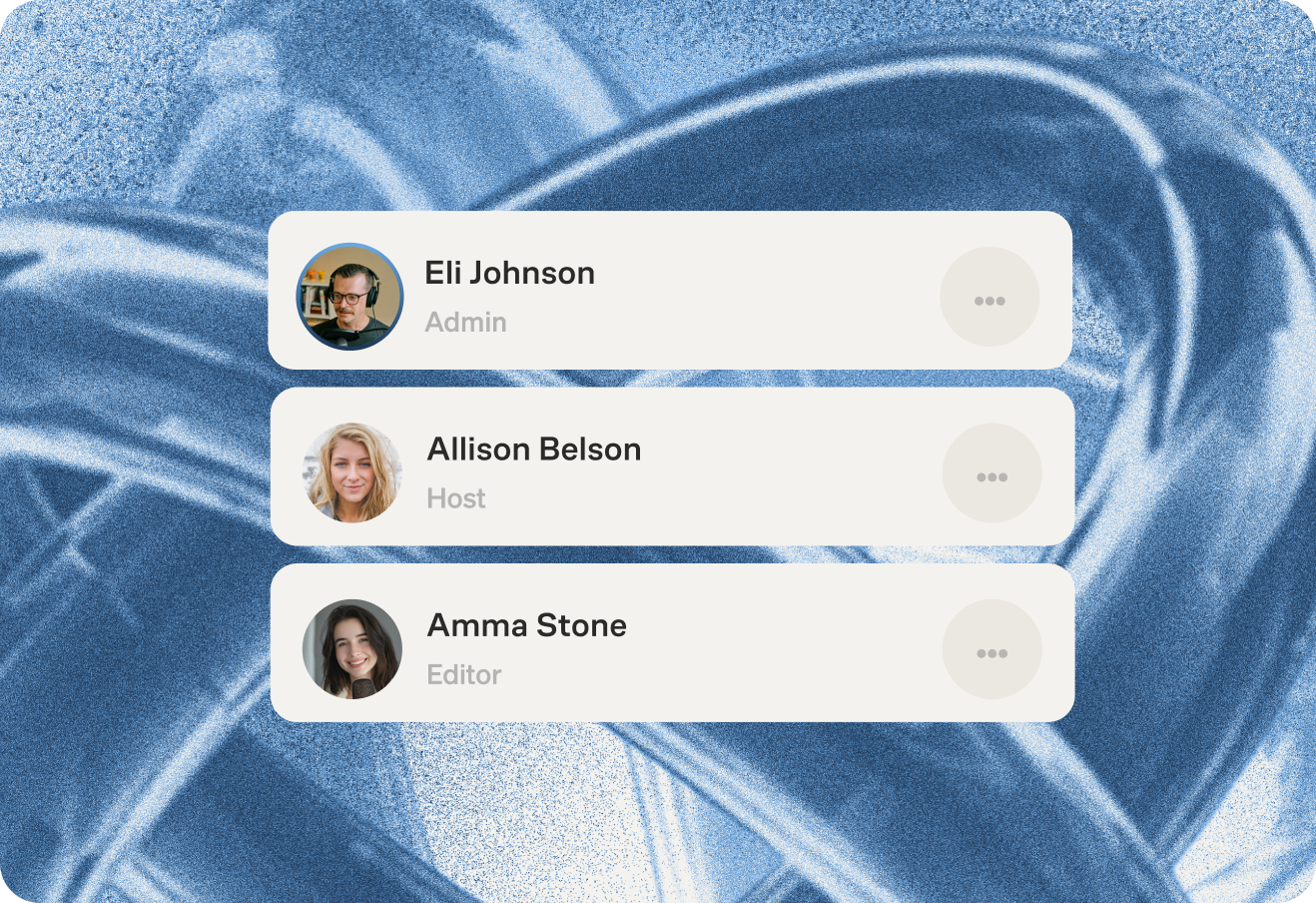
Invite team members without handing over your login or billing info. Only the account owner can add or remove people.

Invite team members without handing over your login or billing info. Only the account owner can add or remove people.
 Get started
Invite team members without handing over your login or billing info. Only the account owner can add or remove people.
Invite team members without handing over your login or billing info. Only the account owner can add or remove people.
Invite team members without handing over your login or billing info. Only the account owner can add or remove people.
Invite team members without handing over your login or billing info. Only the account owner can add or remove people.
Invite team members without handing over your login or billing info. Only the account owner can add or remove people.


Invite team members without handing over your login or billing info. Only the account owner can add or remove people.
Multiple groups can record and edit at the same time, so nothing has to wait. The account owner can see everything happening across the team from one place.
.png) Get started
Get startedMultiple groups can record and edit at the same time, so nothing has to wait. The account owner can see everything happening across the team from one place.
Multiple groups can record and edit at the same time, so nothing has to wait. The account owner can see everything happening across the team from one place.
Multiple groups can record and edit at the same time, so nothing has to wait. The account owner can see everything happening across the team from one place.
Multiple groups can record and edit at the same time, so nothing has to wait. The account owner can see everything happening across the team from one place.
Multiple groups can record and edit at the same time, so nothing has to wait. The account owner can see everything happening across the team from one place.
Multiple groups can record and edit at the same time, so nothing has to wait. The account owner can see everything happening across the team from one place.
As the account owner, you're the only one who can see or change payment details. Nobody else touches the subscription.
.png) Get started
Get startedAs the account owner, you're the only one who can see or change payment details. Nobody else touches the subscription.
As the account owner, you're the only one who can see or change payment details. Nobody else touches the subscription.
As the account owner, you're the only one who can see or change payment details. Nobody else touches the subscription.
As the account owner, you're the only one who can see or change payment details. Nobody else touches the subscription.
As the account owner, you're the only one who can see or change payment details. Nobody else touches the subscription.
As the account owner, you're the only one who can see or change payment details. Nobody else touches the subscription.
Allocate specific roles to grant team members access to only the platform areas or specific shows and features necessary for their tasks.
.png) Get started
Get startedAllocate specific roles to grant team members access to only the platform areas or specific shows and features necessary for their tasks.
Allocate specific roles to grant team members access to only the platform areas or specific shows and features necessary for their tasks.
Allocate specific roles to grant team members access to only the platform areas or specific shows and features necessary for their tasks.
Allocate specific roles to grant team members access to only the platform areas or specific shows and features necessary for their tasks.
Allocate specific roles to grant team members access to only the platform areas or specific shows and features necessary for their tasks.
Allocate specific roles to grant team members access to only the platform areas or specific shows and features necessary for their tasks.
See every show in your network in one place. Give individual podcasters secure access to just their show and the tools they need to run it.
.png) Get started
Get startedSee every show in your network in one place. Give individual podcasters secure access to just their show and the tools they need to run it.
See every show in your network in one place. Give individual podcasters secure access to just their show and the tools they need to run it.
See every show in your network in one place. Give individual podcasters secure access to just their show and the tools they need to run it.
See every show in your network in one place. Give individual podcasters secure access to just their show and the tools they need to run it.
See every show in your network in one place. Give individual podcasters secure access to just their show and the tools they need to run it.
See every show in your network in one place. Give individual podcasters secure access to just their show and the tools they need to run it.
The Teams feature is designed to enhance collaborative content creation within a Zencastr account. It enables multiple individuals to efficiently work together, simplifying the process of podcast production.
The Teams feature is available on the Scale plan and higher, with the number of team members varying based on the plan. See team members allowances here.
There are 7 task-based roles for team assignment, each granting access to specific areas of the platform. Team members may be assigned multiple roles. Roles include:
- Account Owner: Full access to all areas, including Account Settings.
- Admin: Access to all platform areas, excluding Account Settings.
- Recorder: Access to features in the Recording area.
- Editor: Access to features in the Editing area.
- Publisher: Access to specific features in the Hosting area.
- Clips: Access to features in the Clipping area.
- Analytics: Access to specific features in the Hosting area.
- Advertiser: Access to features in the Monetization area.
Zencastr Teams enhances collaboration with secure, personalized access for network podcasters. Assigned roles focus team members on specific tasks, contributing to overall network success. Network administrators enjoy centralized control via a single login, providing a comprehensive overview and streamlined access to all shows.



